INFORMATION
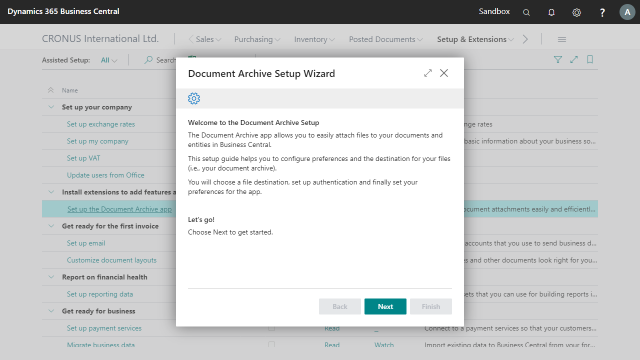
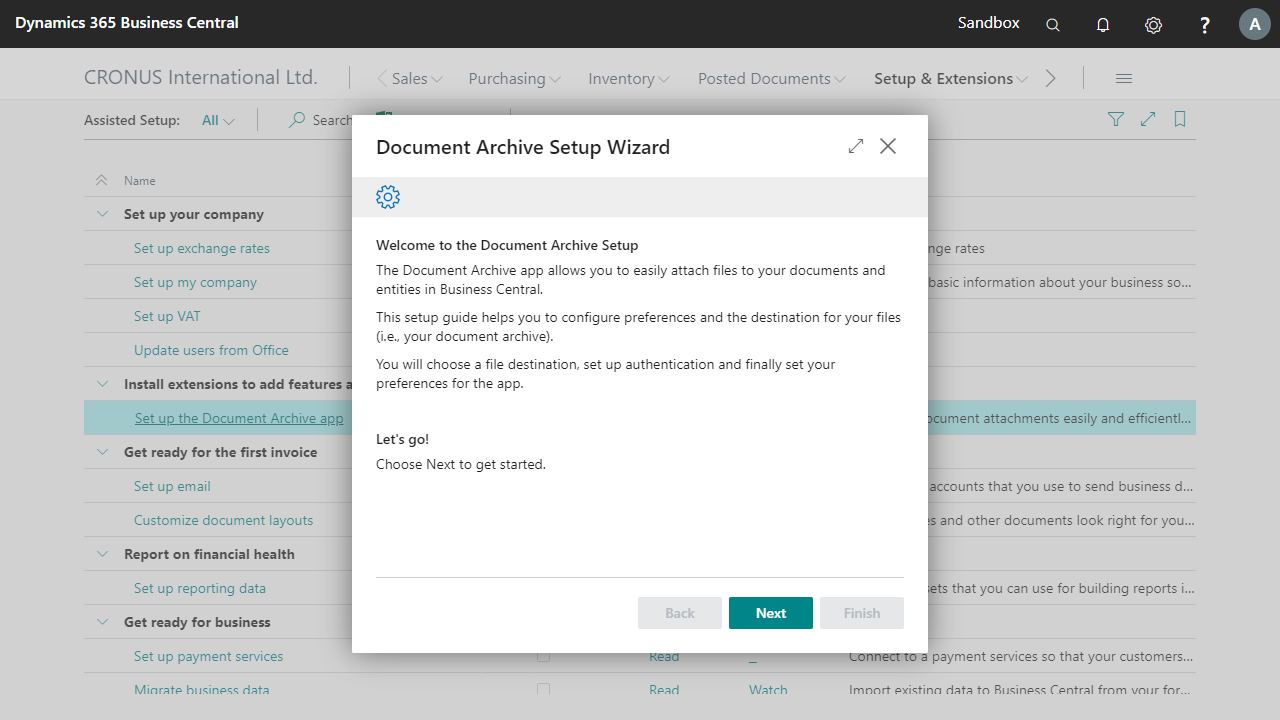
About the app Document Archive
Document Archive helps organizations manage attachments, contracts, invoices, certificates, specifications, purchase documents, sales documents and other business-critical files in a structured and secure way.
Whether you need document management, PDF archiving, SharePoint integration or compliance-driven document retention, Document Archive provides everything you need in one solution.
Complete Document Management in Business Central
Managing documents across multiple systems can be time-consuming and error-prone.
Document Archive enables users to attach and access files directly within Business Central, ensuring all relevant information is available where users need it most.
Store and manage documents on:
- Customers
- Vendors
- Contacts
- Items
- Resources
- Sales Quotes
- Sales Orders
- Purchase Orders
- Service Documents
- Posted Documents
- And many other Business Central pages
No more searching through email inboxes, shared folders or local drives to find the correct document!
Seamless SharePoint & Azure Storage Integration
Keep your files outside of the Business Central database while maintaining direct access from within Business Central.
Document Archive supports:
- Microsoft SharePoint
- Azure Blob Storage
- Azure File Share
This allows businesses to create a scalable and secure document management environment while retaining ownership of their files.
Files remain accessible for departments, management teams, auditors and external accountants when needed.
Fast Attachment Management with Drag & Drop
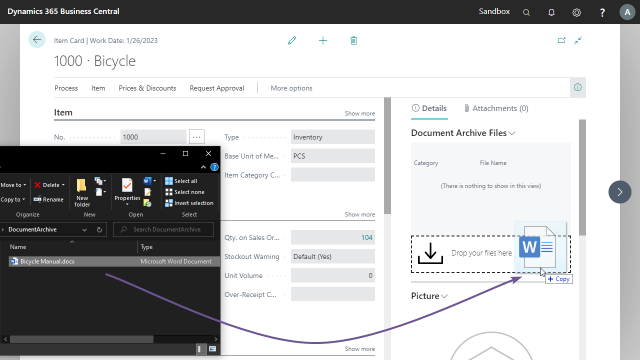
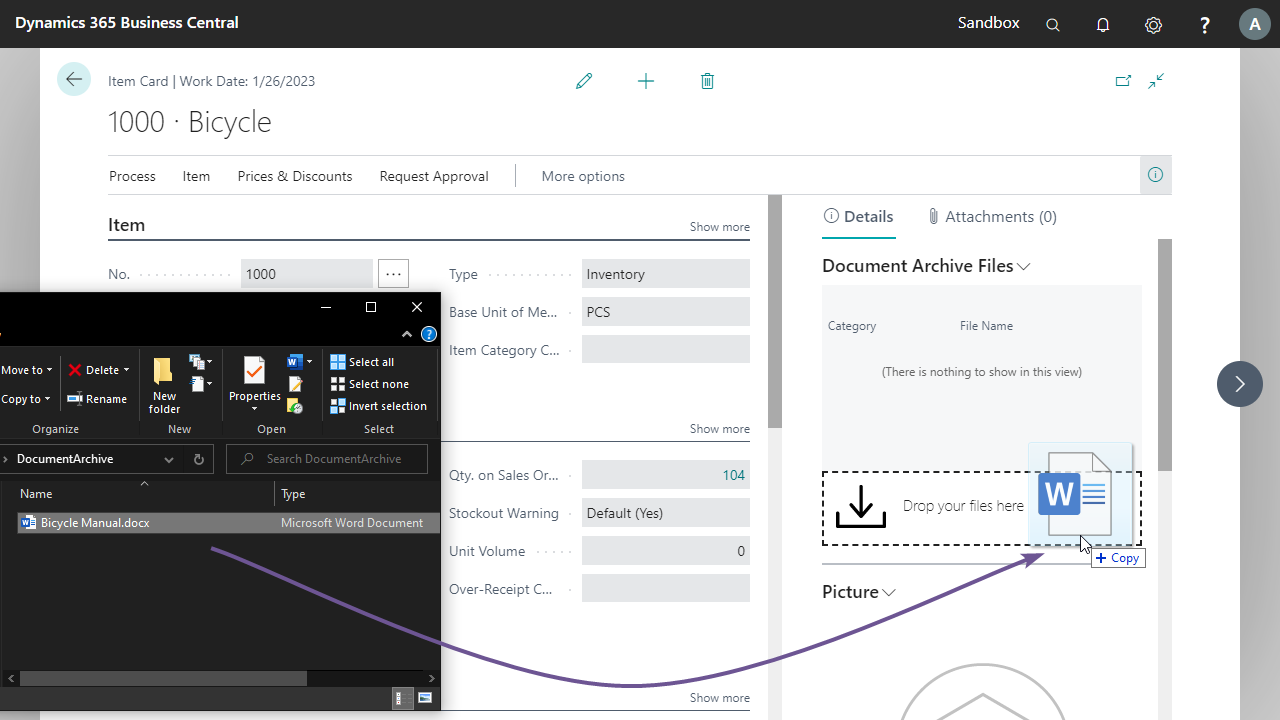
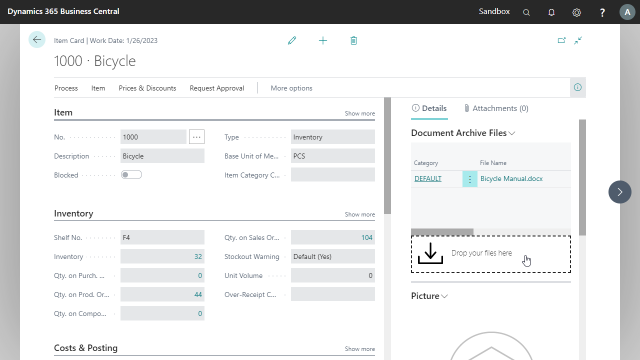
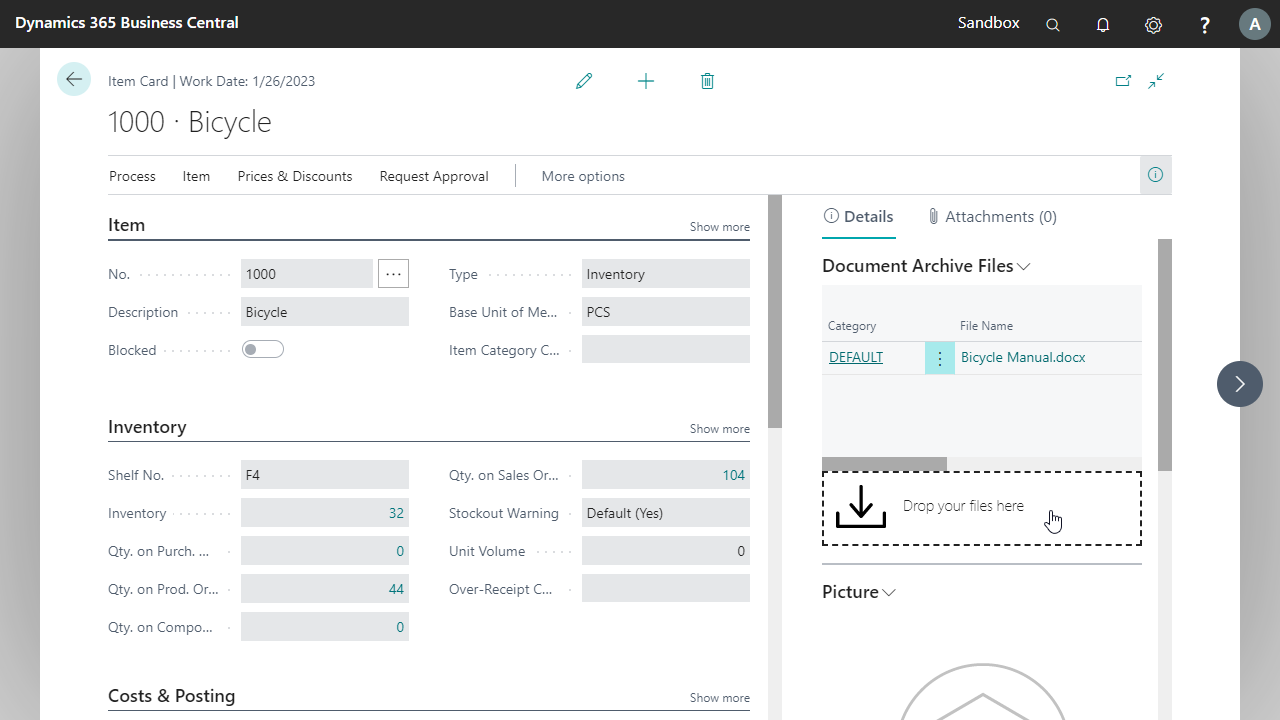
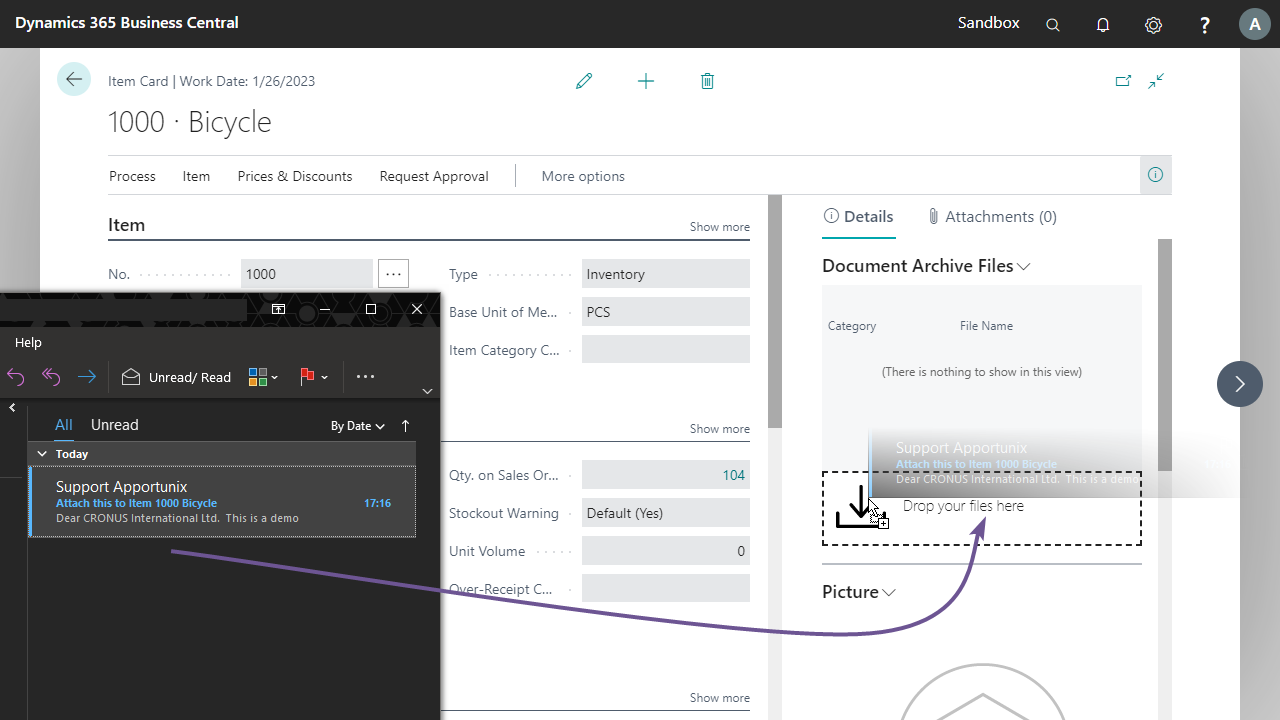
Save time by uploading documents using intuitive drag-and-drop functionality.
Users can:
• Drag files directly into Business Central
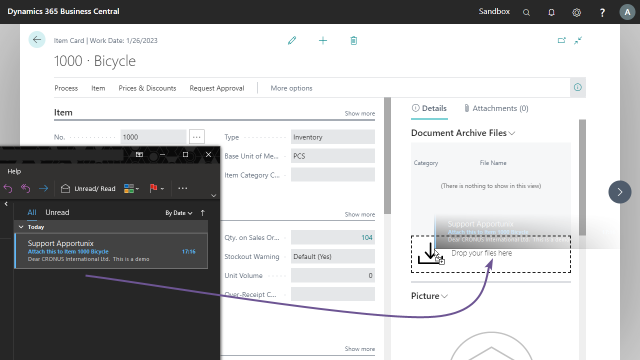
• Drag files directly from Microsoft Outlook (classic version is only supported by Microsoft)
• Upload multiple files simultaneously
• Access attachments from a centralized location
This eliminates unnecessary steps such as downloading files to a desktop before storing them in Business Central.
Automated PDF Archiving
Automatically archive generated PDF documents to your document repository.
Perfect for:
• Sales Invoices
• Purchase Orders
• Order Confirmations
• Shipment Documents
• Custom Reports
PDF files can be automatically archived when documents are:
• Printed
• Emailed
• Downloaded
• Saved
• Previewed
This creates a reliable digital archive and helps support compliance, audit requirements and document retention policies.
Document Categories & Permission Management
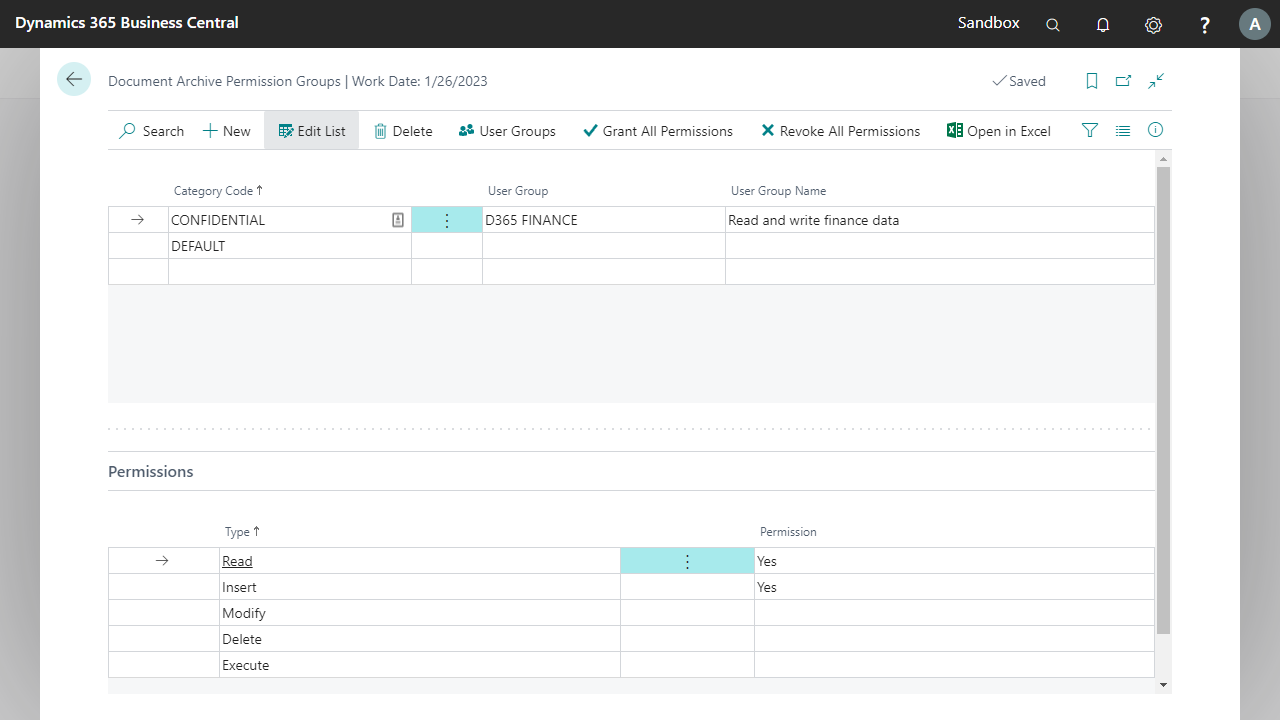
Organize files using document categories and maintain control over who can view, add, modify, delete or download documents.
Benefits include:
• Structured document classification
• Department-specific document access
• Secure document management
• Improved compliance and governance
• Better control over sensitive business information
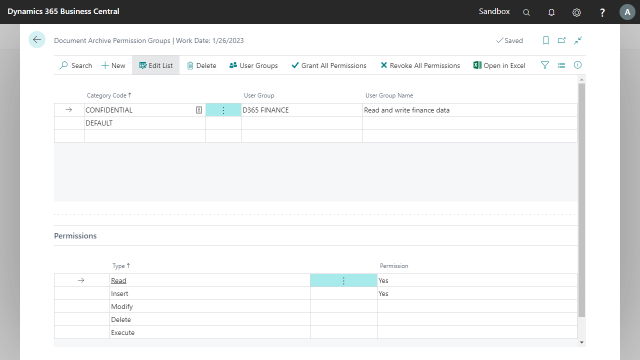
Document permissions can be configured per security group and document category.
Flexible Folder Structures
Create a document structure that matches your organization.
Document Archive supports:
• Entity-based folder structures
• Category-based folder structures
• Fully customizable folder hierarchies
Whether your business prefers organizing documents by customer, vendor, item, category or department, the solution adapts to your requirements.
Compliance & Retention
Support document governance initiatives through:
• Retention Policies
• Secure document storage
• Controlled document access
• Centralized document management
Maintain a structured archive that helps organizations meet internal policies and compliance requirements.
Power Platform Integration
Extend your document management processes with Microsoft Power Platform.
Document Archive integrates with:
• Power Automate
• Power Apps
• Business Central workflows
Create automated document capture processes and streamline document handling across your organization.
Start Digitizing Your Business Processes Today
Document Archive helps organizations reduce manual document handling, improve accessibility, strengthen compliance and create a centralized document management environment for Microsoft Dynamics 365 Business Central.
Start your free trial today in a sandbox and discover why businesses choose Document Archive as their preferred Document Management Solution for Business Central.
This app supports both the Essential and Premium editions of Microsoft Dynamics 365 Business Central.
Pricing
You can try out the Document Archive extension completely for free by installing it directly from Microsoft Marketplace in one of your Business Central Sandbox environments.
No trial period, no obligations!
Just install the extension directly from Microsoft Marketplace and try it out right away.
Curious about the pricing for Production use? Please check out our Prices page for detailed information about the pricing for each of our apps.